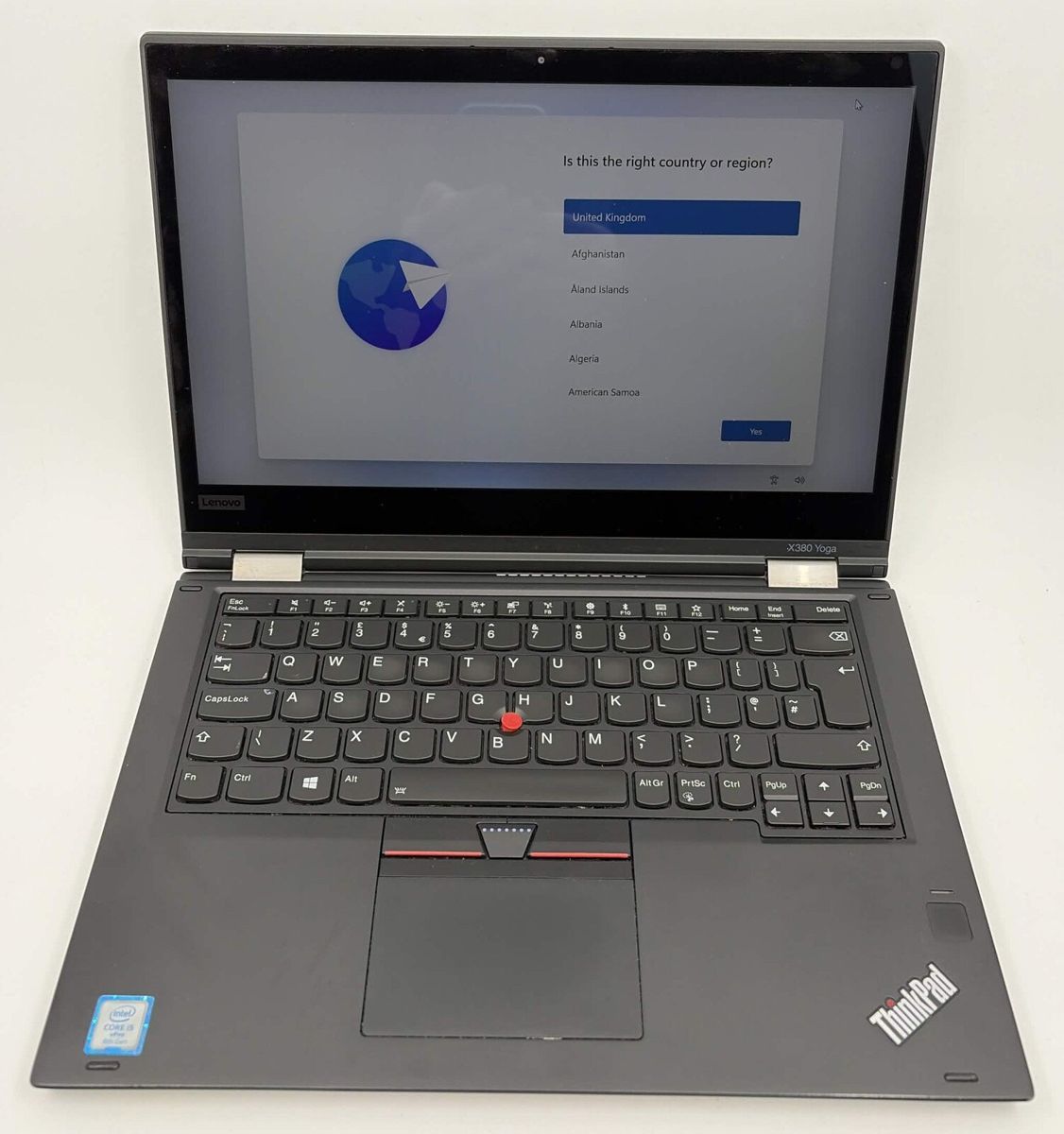
Sell old ThinkPads
We take any ThinkPad, of any age and in any condition. We collect old company ThinkPads from offices across Shropshire, Cheshire, North Wales and the West Midlands and erase every drive through our in-house erasure system. Further afield, we arrange UK-wide courier collection for larger loads or send a prepaid box and label for smaller lots.
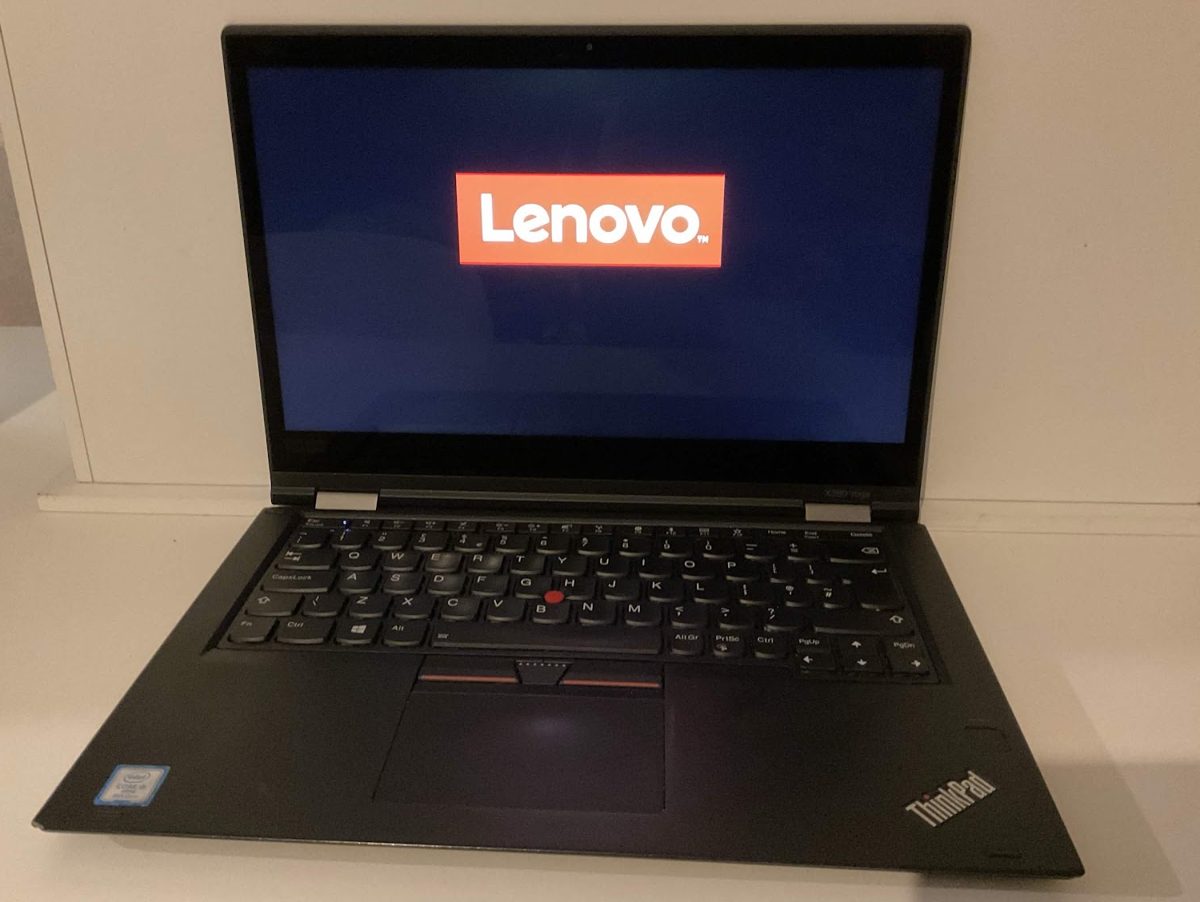
The ThinkPads we take
Any ThinkPad is worth asking about, whatever the model or age. The ones offices hand over most are the T14, T480 and T490, the X1 Carbon, the X13 and X390, the L14 and L15, the E14 and E15, and P series workstations, but older and less common models are welcome too. Working, cosmetically tatty or partly working machines are all welcome.
If you are not sure what you have, turn the laptop over. The label on the underside shows the model name, for example T14 Gen 2 or T480, and a four-character machine type code such as 20XW. That machine type plus the serial number is enough for us to look up the spec, so you do not need to open anything up or dig through paperwork.
If you want a steer on age, check the processor model number. An i5-8xxx is 8th generation Intel, i5-10xxx is 10th generation, i5-11xx is 11th generation and so on. 8th, 9th and 10th generation Intel ThinkPads install Windows 11 and keep getting updates. 11th generation Intel and newer are on Microsoft's supported processor list. Older ThinkPads that can't take Windows 11 are still worth asking about, so do not rule them out before you call.
A rough kit list is all we need to get started: model names and how many of each. A couple of photos of the underside labels help too.
Helpful, not essential
None of this is required. Send them as they are and we will deal with it. If you have a few minutes, these help resale, and the more you can sort, the better the offer.
- Passwords. Remove BIOS and hard disk passwords, or send them with your kit list.
- Intune or other MDM. If you can, release the laptops from your device management before collection. If that is awkward, tell us and we will work through it with you.
- Windows Autopilot. If the laptops are registered to your organisation, deregistering them stops your sign-in screen appearing for the next owner.
- Chargers and docks: bring any you have.
You do not need to wipe the laptops yourself first. We handle that through our in-house erasure system once they're with us.
How we erase a ThinkPad
Every drive goes through our in-house erasure system: every sector of the SSD or hard drive is overwritten and the overwrite verified, to NIST 800-88. Drive health and serial are logged, the erasure record is filed and you get a Certificate of Data Destruction for each device, with its serial number, drive model, wipe method and verification result. If a drive throws errors during the wipe, we set it aside for physical destruction and it is not resold.
What we check before it's sold on
After collection and after the wipe, each ThinkPad goes through the same bench process before it goes back out the door.
We start by recording the model and serial from the underside label and BIOS, the processor, RAM, drive type and size, and any BIOS notes such as passwords, Secure Boot and TPM status. We check and record drive health (SMART status and power-on hours), and a drive has to report a SMART status of "Good".
We then do a clean Windows 11 Pro install, with drivers pulled from Windows Update and Lenovo System Update, and sealed so the next owner gets a fresh first-time setup with no leftover account. Business ThinkPads carry a Windows licence in the firmware, so this clean install activates itself. No product key or licence label needed.
Last comes the functional checklist: every USB port, audio, wifi, ethernet, the screen, every key on the keyboard, the trackpad and its click, camera and mic, and the battery, which has to hold charge unplugged. A ThinkPad whose battery fails this check is sold on as "no battery", not passed off as good.
Broken, locked or tatty ones
Screen out, dead battery, charger missing or only good for parts, all of these are still worth asking about. The only ones we can't take are any with fire, smoke or swollen-battery damage, because we can't transport or handle them safely.
Need ThinkPads? We sell these too.
ThinkPad questions
Do I need to wipe them first?
No. Send them to us as they are and every drive goes through our in-house erasure system: every sector is overwritten and the overwrite verified, to NIST 800-88. You get a Certificate of Data Destruction for each device once it's done.
We've forgotten the BIOS password. Will you still take them?
Yes, ask us anyway. A supervisor password that's still set when the laptop arrives means it goes down as partly working rather than working, because Lenovo can't reset it without a new system board. If you can clear it before collection, or send us the password with your kit list, that's easier for everyone.
Which ThinkPads will run Windows 11?
8th, 9th and 10th generation Intel ThinkPads install Windows 11 and keep getting updates. 11th generation Intel and newer are on Microsoft's supported processor list. Check the processor model number on the underside label or in Windows to work out the generation. Older ThinkPads that can't take Windows 11 are still worth asking about.
Do I need the Windows licence or product key?
No. Business ThinkPads carry a Windows licence in the firmware, so a clean install of Windows 11 Pro activates itself. There's no product key or licence label to find or hand over.
We've got 3 ThinkPads, not 30. Is that worth a trip?
Yes. We collect singles or a whole office refresh, and mixed lots are fine too. Even a cupboard of old ThinkPads is enough to start. Tell us what else is in the cupboard when you send your kit list, it might be worth collecting in one go.
Send us a rough list of what you've got and we'll send you an estimate.